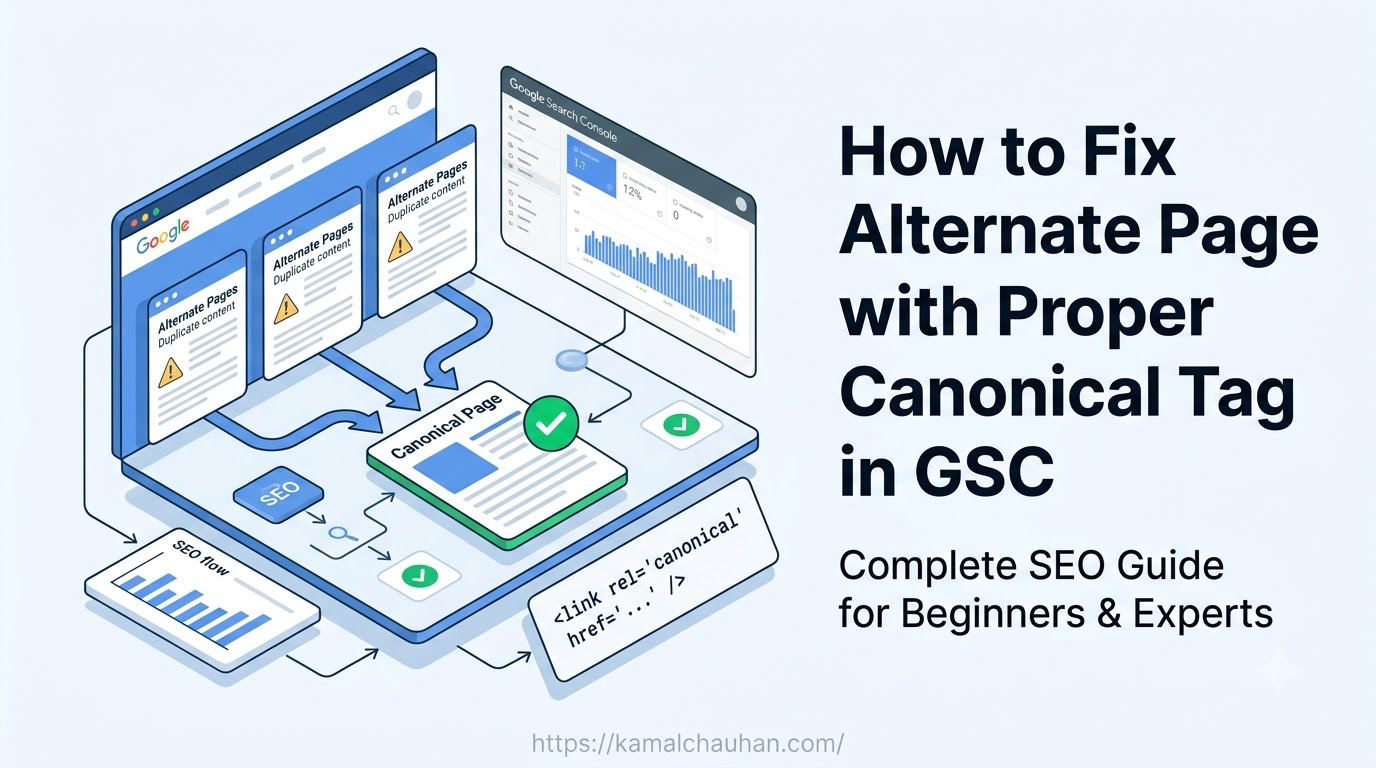
If you’ve been checking your Google Search Console (GSC) and noticed the status “Alternate page with proper canonical tag,” you might think it’s a critical SEO issue that’s preventing your pages from ranking.
The truth is, it usually isn’t.
As an SEO consultant, I’ve audited hundreds of websites, and this is one of the most misunderstood reports in Google Search Console. Many beginners immediately start removing canonical tags or requesting indexing, which often creates bigger indexing problems.
In this guide, I’ll explain what this status actually means, when you should ignore it, when you should fix it, and the exact steps to resolve it if it’s affecting important pages.
What Does “Alternate Page with Proper Canonical Tag” Mean?
This status appears when Google finds two or more pages with identical or very similar content.
Instead of indexing every version, Google chooses one page as the canonical (main) URL and excludes the others from its index.
For example:
Indexed Page
Alternate Pages
Google indexes only:
The remaining URLs are marked as Alternate pages with proper canonical tags because they correctly point to the primary version.
This is Google’s intended behavior and, in most cases, it’s a sign that your canonical setup is working correctly.
Is This an SEO Problem?
Short answer: Usually, no.
If Google is indexing the correct URL and ignoring duplicate versions, you don’t need to take any action.
However, it becomes an SEO problem if:
- Your important blog post isn’t indexed
- A service page disappears from Google
- Product pages aren’t showing in search results
- Category pages are excluded
- Landing pages fail to rank because Google selected another page as the canonical version
If any of these situations apply, then it’s time to investigate.
Understanding Canonical Tags
A canonical tag tells search engines which version of a page should be considered the original.
Example:
<link rel=”canonical” href=”https://abc.com/page/” />
Think of it like this:
If multiple roads lead to the same destination, the canonical tag tells Google which road should appear on the map.
Why Does This Status Appear?
Here are the most common reasons.
1. URL Parameters
Examples:
?utm_source=
?id=
?sort=
?filter=
These URLs usually contain the same content as the original page.
No fix required.
2. Tracking URLs
Marketing campaigns often create URLs like:
?utm_campaign=
?gclid=
?fbclid=
These should never be indexed.
No action is needed.
3. HTTP and HTTPS Versions
Example:
http://abc.com
Google indexes the HTTPS version.
This is completely normal if HTTP redirects to HTTPS.
4. WWW and Non-WWW Versions
www.abc.com
abc.com
Google keeps one version.
Again, this is expected behavior.
5. Filtered E-commerce Pages
/shoes?color=black
/shoes?size=10
/shoes?brand=nike
Most online stores canonicalize these filtered URLs to the main category page.
This helps avoid duplicate content.
6. Pagination
Sometimes websites incorrectly canonicalize every paginated page back to page one.
For example:
/blog/page/2
Canonical →
/blog/
This isn’t always correct.
Each paginated page should generally have its own self-referencing canonical unless there is a specific reason to consolidate them.
How to Check Whether You Need to Fix It
Before changing anything, ask yourself one question:
Should this page appear in Google Search results?
If the answer is No, leave it alone.
If the answer is Yes, continue with the audit below.
Step 1: Inspect the URL
Open Google Search Console.
Navigate to:
Indexing → Pages → Alternate page with proper canonical tag
Select one of the affected URLs.
Open URL Inspection.
Now compare:
- User-declared canonical
- Google-selected canonical
If both URLs match, everything is working correctly.
If they don’t match, you need to investigate further.
Step 2: Check the Canonical Tag
Open the page source.
Look for:
<link rel=”canonical” href=”https://abc.com/page/” />
Ask yourself:
- Does it point to the correct URL?
- Is the URL live?
- Does it return a 200 status code?
- Is there only one canonical tag on the page?
One incorrect canonical tag can cause Google to ignore an important page entirely.
Step 3: Review Internal Links
Many websites accidentally link to parameter URLs instead of the canonical version.
Bad example:
/blog/post?ref=homepage
Good example:
/blog/post/
Every internal link should point to the canonical URL.
Strong internal linking helps Google understand which version should be indexed.
Step 4: Check Your XML Sitemap
Your XML sitemap should contain only canonical URLs.
Do not include:
- UTM URLs
- Filter pages
- Search result pages
- Session IDs
- Parameter URLs
A clean sitemap makes Google’s crawling process much more efficient.
Step 5: Identify Duplicate Content
Sometimes multiple pages target the same keyword and provide nearly identical information.
For example:
/seo-tools
/best-seo-tools
/top-seo-tools
/seo-tools-2026
If these pages compete against each other, Google may choose only one to index.
Instead of maintaining duplicate content:
- Merge the content into one stronger page.
- Redirect outdated pages using a 301 redirect.
- Keep a single self-canonical page.
Step 6: Use 301 Redirects When Necessary
If duplicate URLs no longer serve a purpose, redirect them permanently.
Example:
Old URL→301 Redirect→New Canonical URL
This transfers authority and eliminates duplicate versions.
Common Canonical Mistakes
Multiple Canonical Tags
Having two canonical tags on one page sends mixed signals.
Google may ignore both.
Canonical Loops
Example:
Page A → Page B
Page B → Page A
Avoid this at all costs.
Canonical to a 404 Page
Never point a canonical tag to a deleted or broken page.
The canonical URL should always return a 200 OK status.
Canonical Chains
Example:
Page A → Canonical →Page B → Canonical →Page C
Google may ignore the chain.
Point every page directly to the final canonical version.
Canonicalizing Different Content
Don’t canonicalize pages that target different search intents.
Example:
Best Running Shoes>Canonical>Best Walking Shoes
These pages deserve separate indexing because they answer different user queries.
SEO Checklist for Fixing This Status
Before requesting indexing, verify the following:
- Only one canonical tag exists per page.
- The canonical URL returns a 200 status code.
- Important pages use self-referencing canonicals.
- Internal links point to the canonical URL.
- XML sitemap includes only canonical pages.
- Duplicate URLs use 301 redirects when appropriate.
- There are no canonical loops or chains.
- Canonical URLs are not blocked by robots.txt or noindex directives.
If all of these checks pass, your canonical implementation is likely correct.
Real-World Examples
Example 1: Blog URL with UTM Parameters
Action: No fix required.
Example 2: E-commerce Filter Pages
/laptops
/laptops?brand=hp
/laptops?ram=16gb
Action: Canonicalize filtered pages to the main category unless the filtered pages have unique search demand and deserve their own rankings.
Example 3: Duplicate Blog Articles
/technical-seo-guide
/complete-technical-seo-guide
If both pages target the same keyword:
- Merge the best content.
- Redirect one page.
- Keep one canonical URL.
Final Thoughts
The “Alternate page with proper canonical tag” report often looks alarming, but in reality, it’s usually a confirmation that Google understands your preferred version of a page.
The biggest mistake website owners make is trying to “fix” pages that aren’t actually broken.
Instead, focus on the pages that matter, your blog posts, service pages, product pages, and landing pages. Make sure they have correct self-referencing canonical tags, clean internal links, and appear in your XML sitemap.
Remember this simple rule:
- If the correct page is indexed, don’t touch anything.
- If the wrong page is indexed or an important page is excluded, investigate your canonical setup immediately.
Canonical tags are not just about preventing duplicate content – they’re about helping Google understand which version of your content deserves to rank. When implemented correctly, they improve crawl efficiency, consolidate ranking signals, and strengthen your overall SEO strategy.